
Feedback
freeTrialImage.bannerPity
freeTrialImage.upgradeUnlock
- ✓freeTrialImage.benefitHd
- ✓freeTrialImage.benefitWatermark
- ✓freeTrialImage.benefitUnlimited
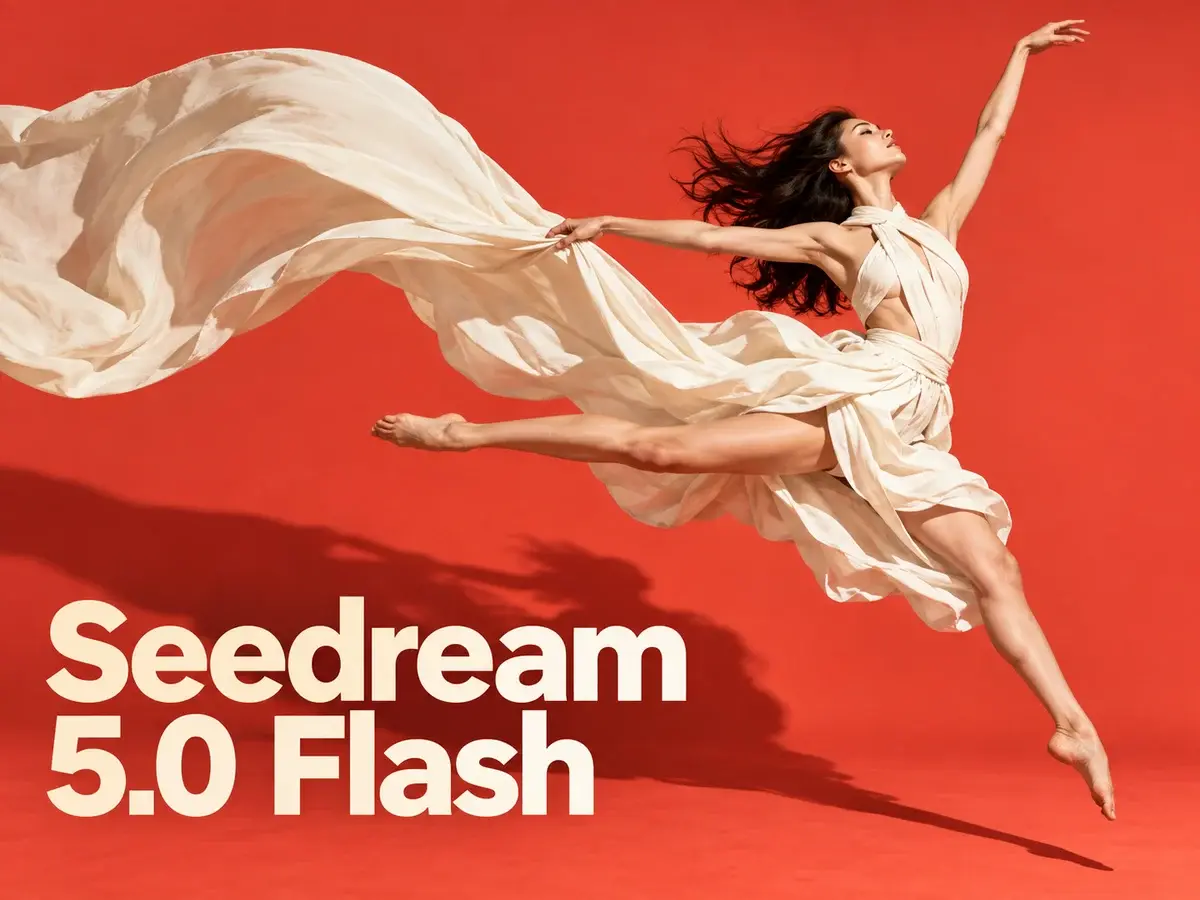
Seedream 5.0 flash
Work with Seedream 5.0 Flash to turn a short brief or ten uploaded photos into crisp 1K–2K images, each costing a flat 3 credits.
AI Tools
Explore AI tools


Reasons Creators Pick Seedream 5.0 Flash
A lean, rapid member of ByteDance's Seedream 5.0 family, tuned for instant renders and edits built from several references at once.
- The Fast Lane of the 5.0 LinePositioned as the affordable workhorse of ByteDance's Seedream 5.0 series, sitting just beneath the flagship Seedream 5.0 Pro.
- Flat Pricing at Every SizeWhether you pick 1K, 1.5K or 2K, the tab stays at 3 credits; edits are billed the same and reference uploads add nothing.
- Blend Up to Ten ReferencesSupply as many as ten pictures, describe what should shift, and let Flash fold them together into one finished frame.
Three Steps to Seedream 5.0 Flash Results
A short three-step path to creating or retouching pictures with Flash.
Seedream 5.0 Flash: Common Questions
Straight answers about Flash rendering, editing, credit costs and export dimensions.
What separates Seedream 5.0 Flash from Seedream 5.0 Pro?
Flash covers the quick, budget-minded side of Seedream 5.0, whereas Pro is ByteDance's top-tier model — maximum detail, superior text rendering and results up to 2K.
What resolutions and aspect ratios are available?
Choose 1K, 1.5K or 2K, and pick from a wide spread of ratios — 21:9 widescreen at one end, 9:16 vertical at the other.
Do 1K, 1.5K and 2K images cost different amounts?
No — every image costs 3 credits no matter the size. Edits are billed identically, and adding references never raises the total.
What is the maximum number of reference images per edit?
Ten. Load your sources, describe the adjustment, and Flash combines the people, products and styles into a single result.
Does Flash support text in languages other than English?
It does. Clear lettering in English or other languages can be rendered into an image — useful for posters, menus, social graphics and product shots.
Which models make up the Seedream series?
Seedream 5.0 Pro, Seedream 5.0, Seedream 4.5 and Seedream 4 — each striking a different balance of detail, typography and overall output quality.
Put Seedream 5.0 Flash to Work
Describe your idea or upload ten references and start editing — every image costs 3 credits, arrives up to 2K as PNG or JPEG, and references stay free.